
The fastest way to read PDFs on your desktop
PDFForge Viewer is a fast, private, offline PDF viewer for Windows and Linux. Open, zoom, navigate, and print PDFs right from your files — no uploads, no account, no internet required.
Linux: PDFForge-Setup-amd64.deb (Debian / Ubuntu) or PDFForge-Setup-linux-x64.tar.gz (any distro)
Every Windows release, ready to download
Grab the latest build for the newest features, or stick with a previous release. Every installer runs on Windows 10 and Windows 11.
PDF creation, PDF tabs & split view, print preview, new themes, and Windows default app integration.
123 MB • PDFForge-Setup.exe
Initial release with fast, private, offline PDF viewing, zoom, thumbnails, and print.
119 MB • PDFForge-Setup.exe
Now on Linux too
The same offline viewer, packaged for 64-bit Linux. Use the .deb on Debian and Ubuntu, or the tarball on Fedora, Arch, and anything else — both are v1.1.0.
Debian / Ubuntu package for 64-bit Linux. Installs the app, launcher, icon, and default PDF handler.
145 MB • PDFForge-Setup-amd64.deb
Portable tarball for any 64-bit Linux distro. Ships install.sh, which installs to /opt and adds an app-menu entry.
144 MB • PDFForge-Setup-linux-x64.tar.gz
Three steps on Linux
No accounts. No registration. Just one command and PDFForge Viewer shows up in your app menu.
Pick your package
Debian / Ubuntu users grab the .deb. On Fedora, Arch, or any other distro, take the tarball — it works everywhere.
Install it
Run sudo apt install ./PDFForge-Setup-amd64.deb, or unpack the tarball and run ./install.sh to install into /opt.
Launch & open PDFs
Start "PDFForge Viewer" from your app menu, or type pdfforge-viewer in a terminal. It is now your default PDF handler.
Linux Requirements
64-bit only — it runs smoothly on any modern distro.
Also available as a Snap
Prefer Snap on Linux? Install and auto-update PDFForge Viewer straight from the Snap Store with one command.
New in v1.1.0
PDFForge Viewer v1.1.0 is a packed update — here's everything that changed.
Create, read, and organize — beautifully
A clean, fast interface that gets out of your way. View, create, and tune PDFForge Viewer to match exactly how you like to work.
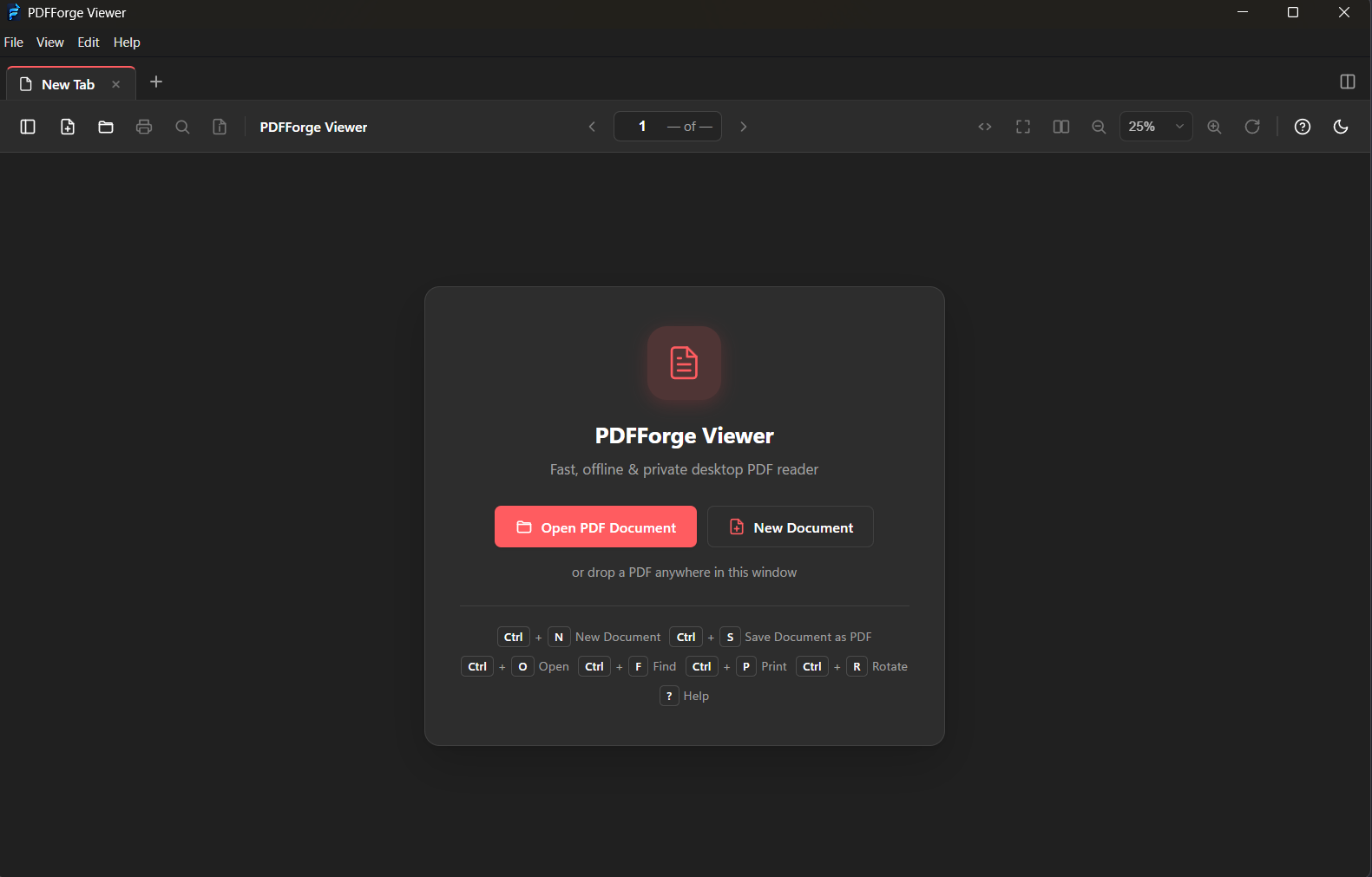
Welcome Screen
Jump right back into recent files with built-in keyboard shortcuts.
Jump right back into recent files with built-in keyboard shortcuts.
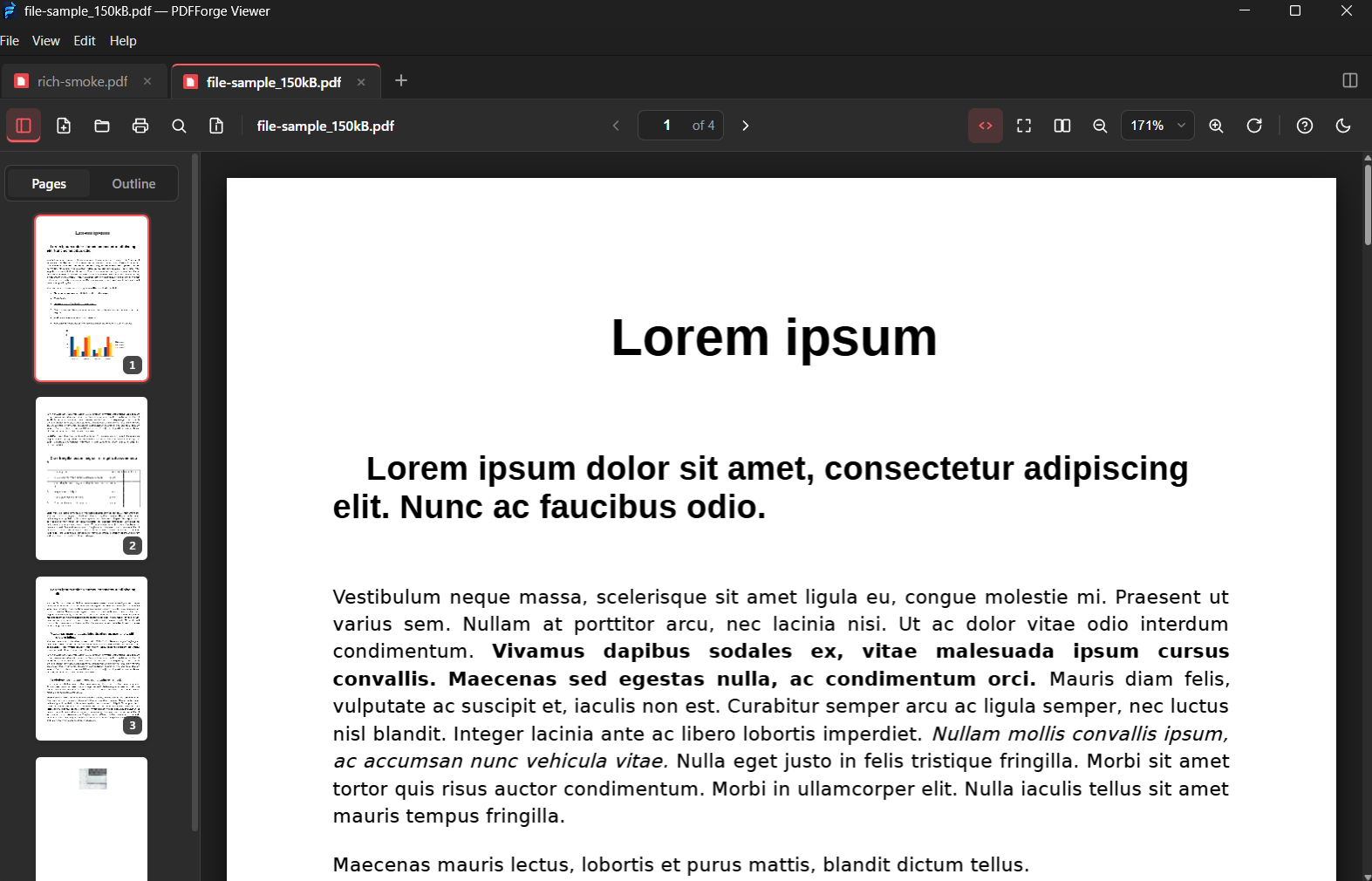
Reading a PDF
Read multi-page PDFs with zoom, search, and a thumbnail sidebar.
Read multi-page PDFs with zoom, search, and a thumbnail sidebar.
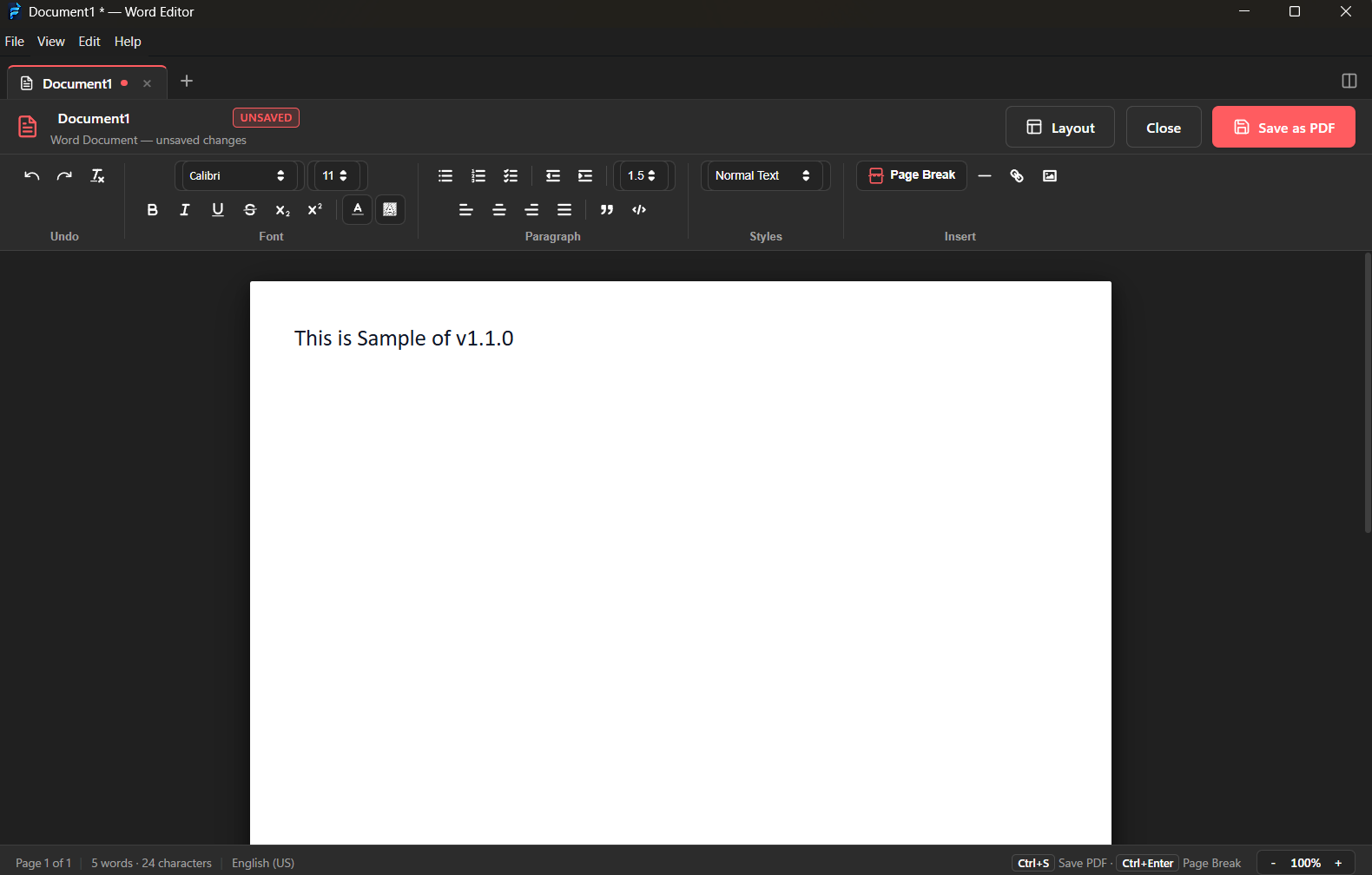
Create a PDF
Create new documents from rich text, plain text, or images in seconds.
Create new documents from rich text, plain text, or images in seconds.
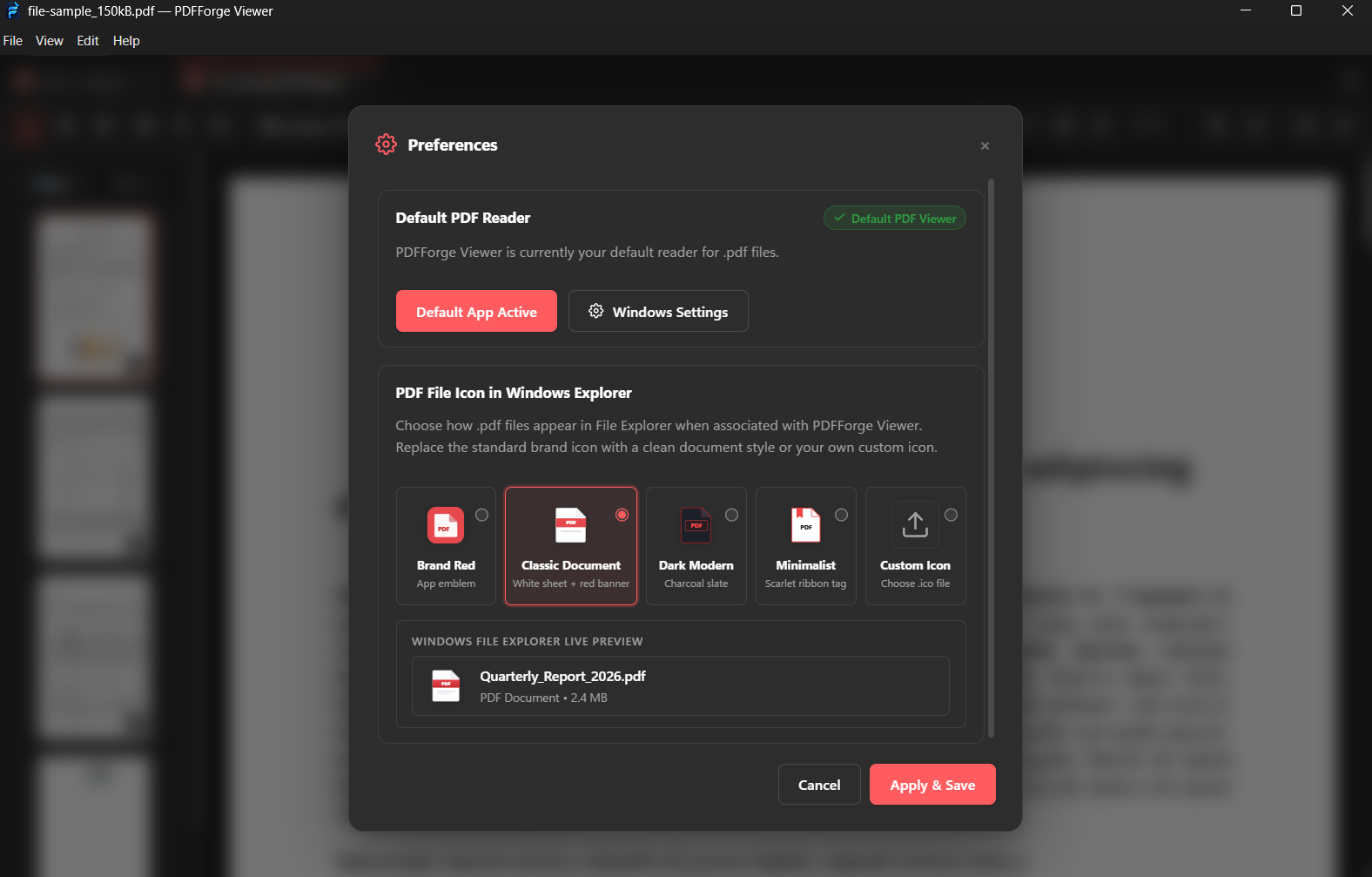
Settings & Themes
Tune themes, preferences, and default behaviors to match your workflow.
Tune themes, preferences, and default behaviors to match your workflow.
Everything you need to read PDFs
PDFForge Viewer is designed to be fast, private, and effortless.
Works fully offline
No internet connection required. Open and view PDFs anywhere, even on planes or in remote areas.
Files never leave your device
All rendering happens locally. Your documents are never uploaded, logged, or stored anywhere.
Fast local rendering
Built on Mozilla's pdf.js engine. Pages open instantly at full CPU speed — no loading spinners.
Your default PDF viewer
Associates with .pdf files in one click. Double-click any PDF and it opens right in PDFForge Viewer.
Zoom, thumbnails & print
Zoom, fit-to-width, page thumbnails, and system print support with keyboard shortcuts built in.
Lightweight & private
A small, focused app with light and dark themes. No accounts, no telemetry, no bloat.
Three steps on Windows
No accounts. No registration. No complex configuration. Just download, install, and start reading.
Download the installer
Click the download button to get the setup file. It's a single .exe — no extra dependencies.
Run & install
Double-click the .exe to install. If SmartScreen appears, click "More info" → "Run anyway".
Open your PDFs
Launch PDFForge Viewer or double-click any .pdf file. Everything runs offline from day one.
Windows Requirements
Runs smoothly on any modern Windows machine.
Prefer the browser?
The web app has all 18 PDF tools — merge, split, compress, convert, encrypt, and more — and still runs 100% on your device with nothing uploaded.
- 18 powerful PDF tools
- Works on any device — desktop, tablet, mobile
- No installation required
- Same local-first privacy guarantee
100% free, unlimited, and processed locally on your device with instant speed.
Frequently Asked Questions
Everything you need to know about PDFForge Viewer.
Is PDFForge Viewer really free?
What are the system requirements?
How do I install it on Linux?
My browser shows an 'unknown publisher' warning — what should I do?
Will it work on Mac?
How do I update to a new version?
Can I set it as my default PDF reader?
Ready to read PDFs offline?
Whether in your browser or as a desktop app, PDFForge never sends your documents anywhere. Download the viewer and start reading — it takes less than a minute.